People and profile photos
Create polished portraits, professional CV photos, cinematic character looks and identity-preserving image transformations from a source photo.
Browse practical prompt templates for AI image generation, image-to-image edits, pet portraits, people photos, food visuals, funny transformations and landscape concepts. Each template is designed to help you create a stronger prompt faster, with clear inputs, structured rules and copy-ready output for your favorite AI tool.
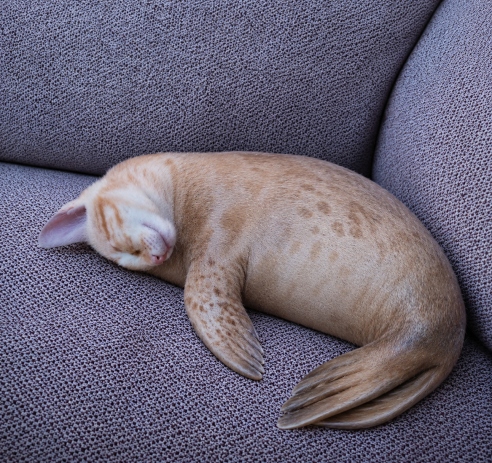
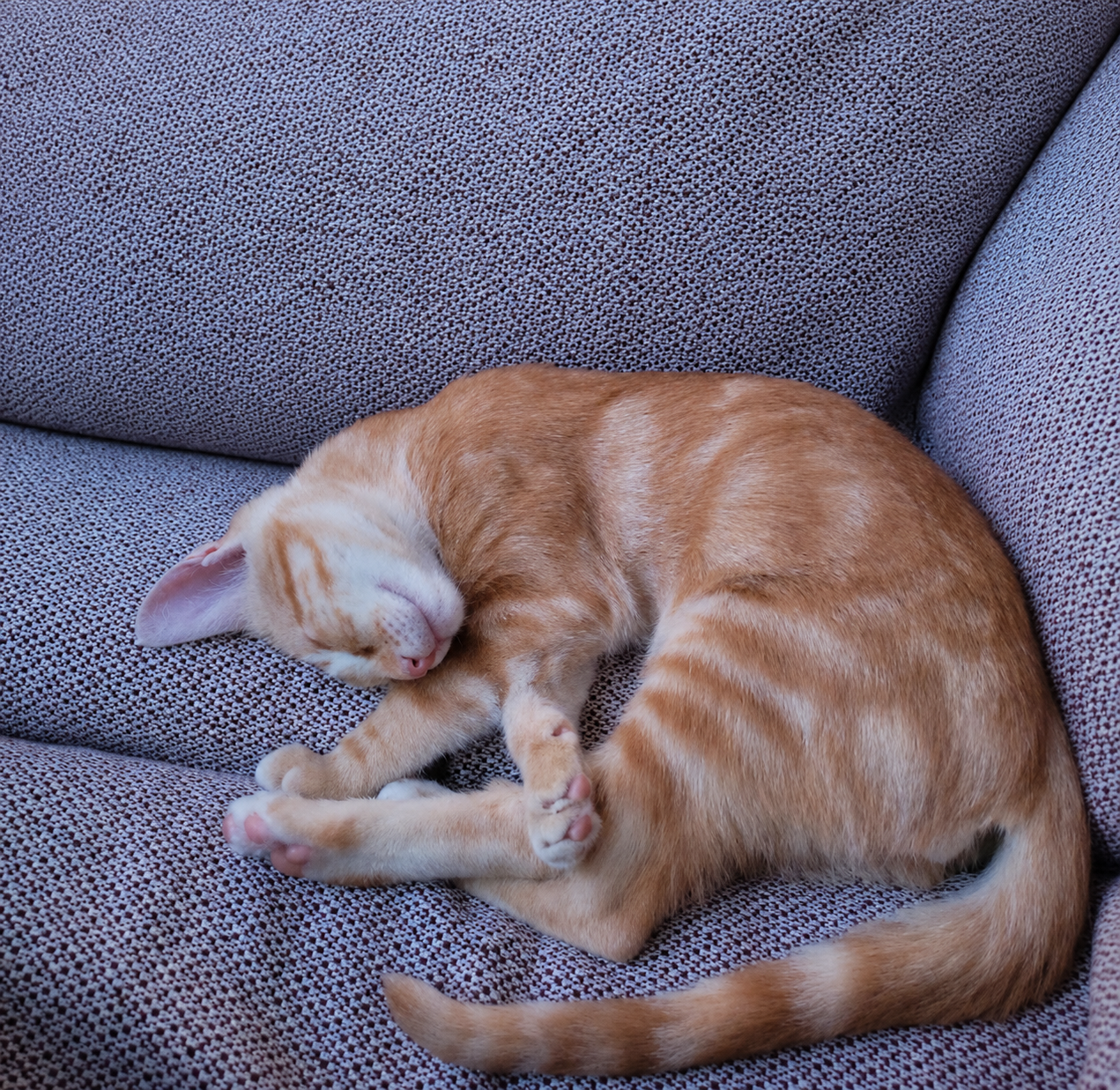
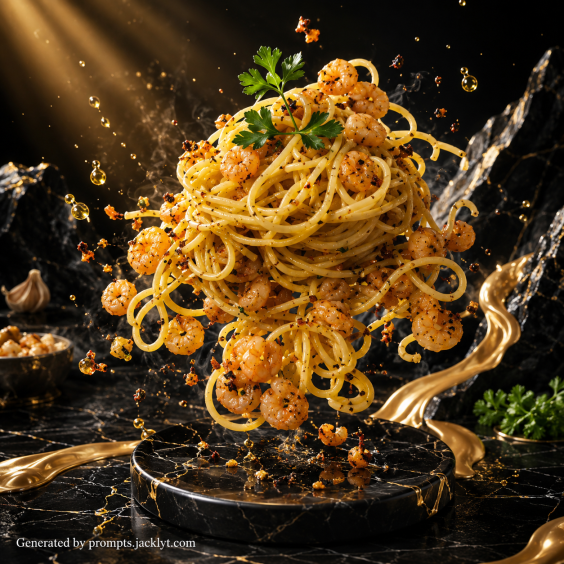
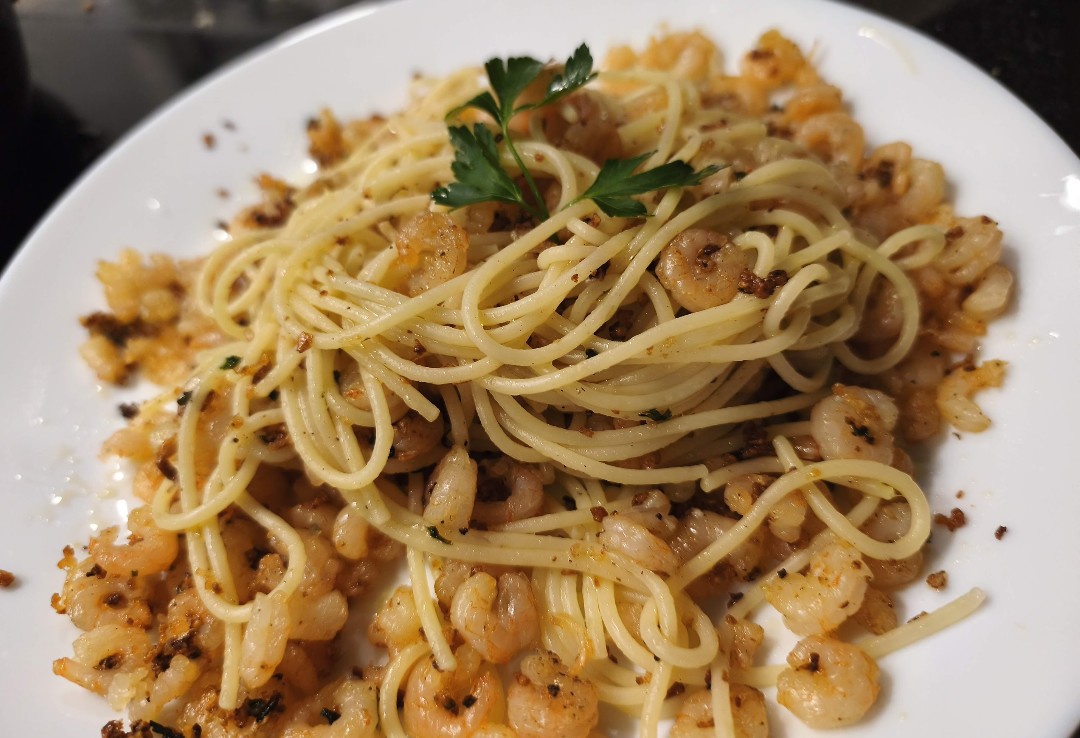
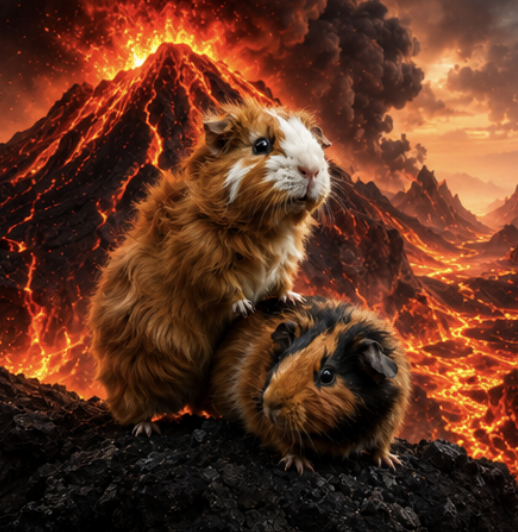
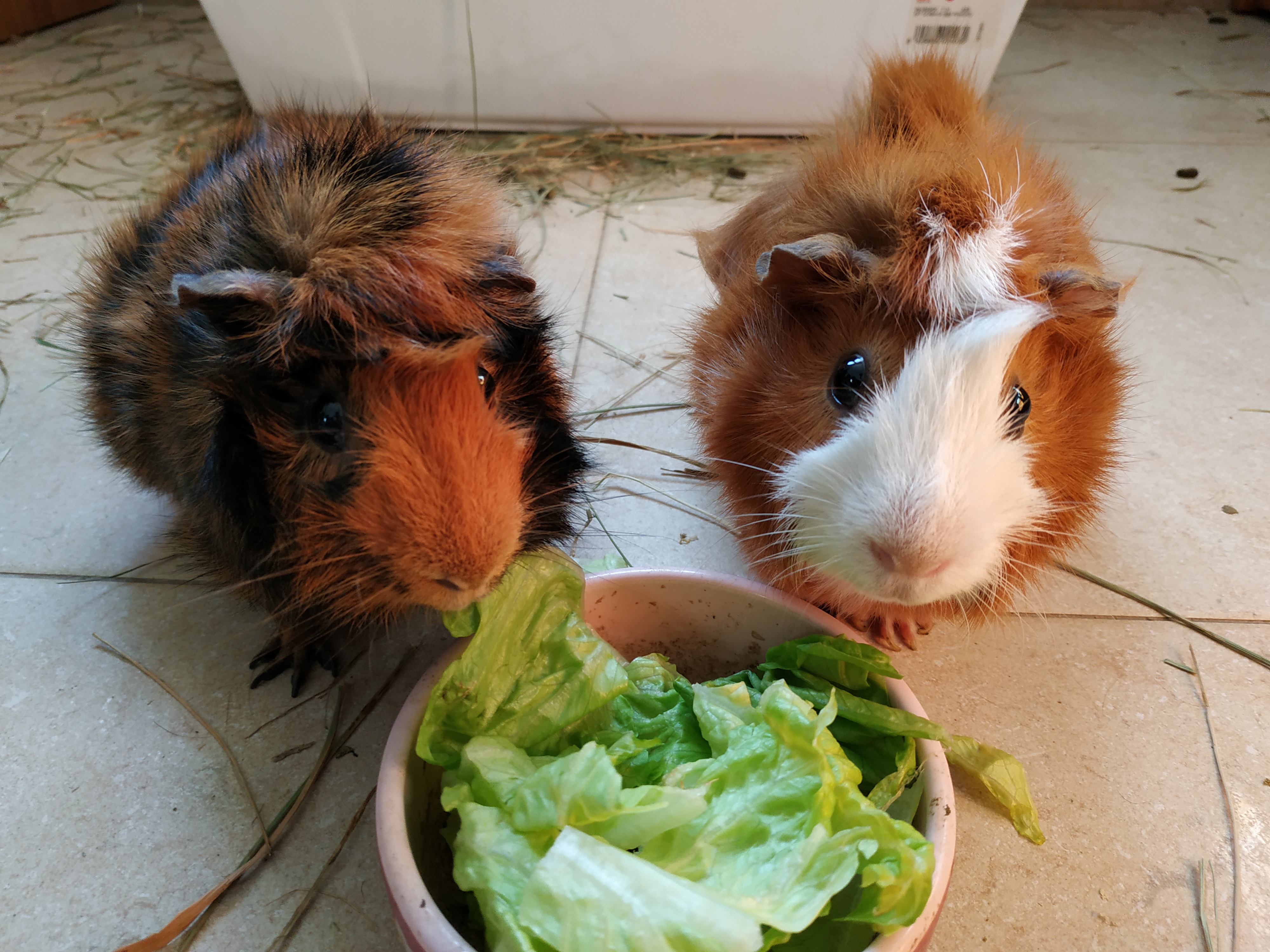
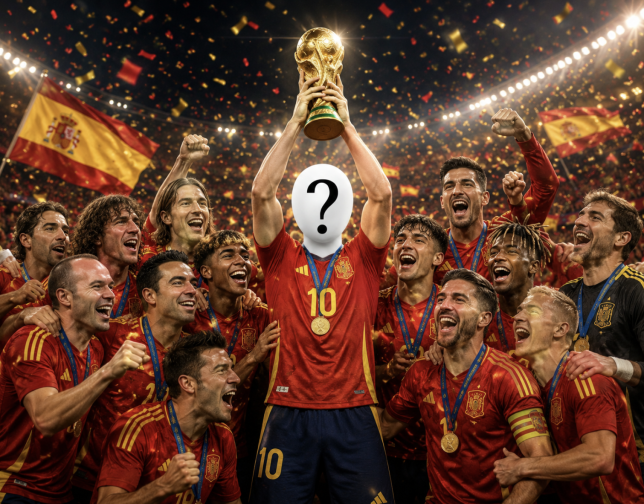
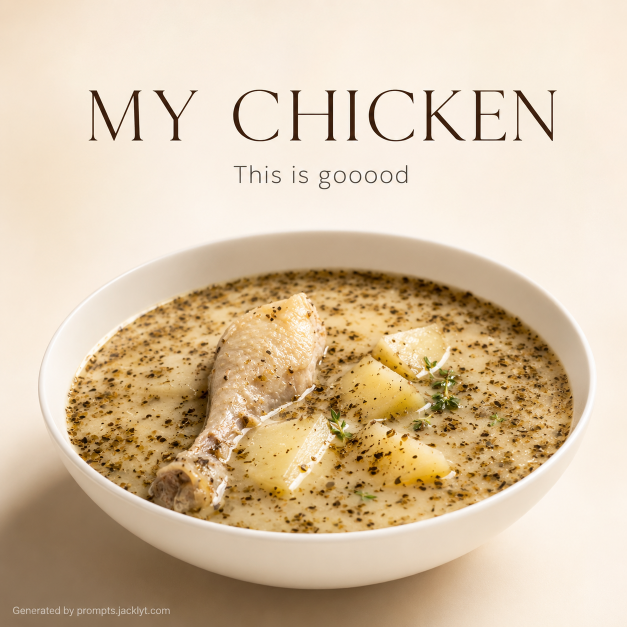
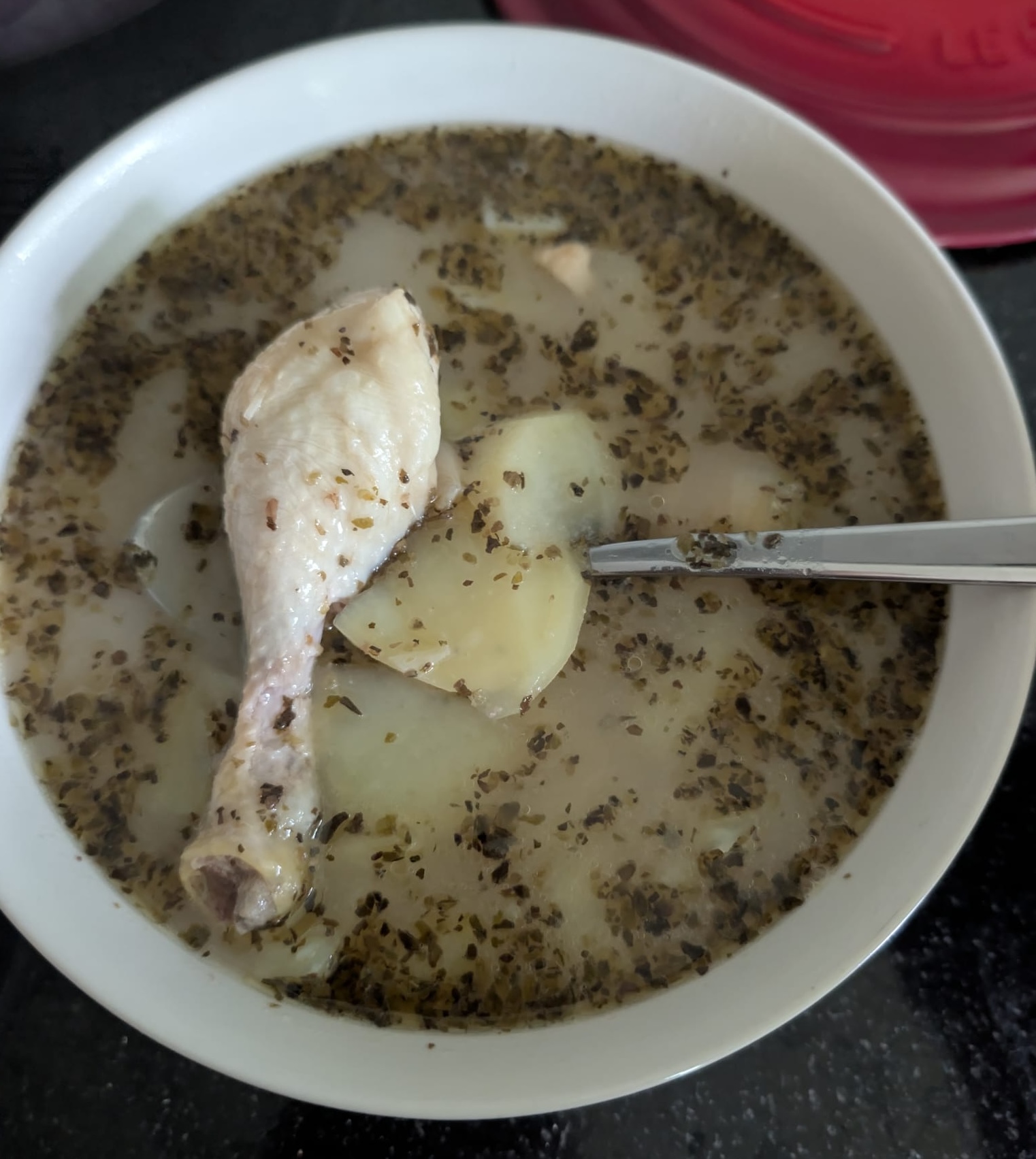
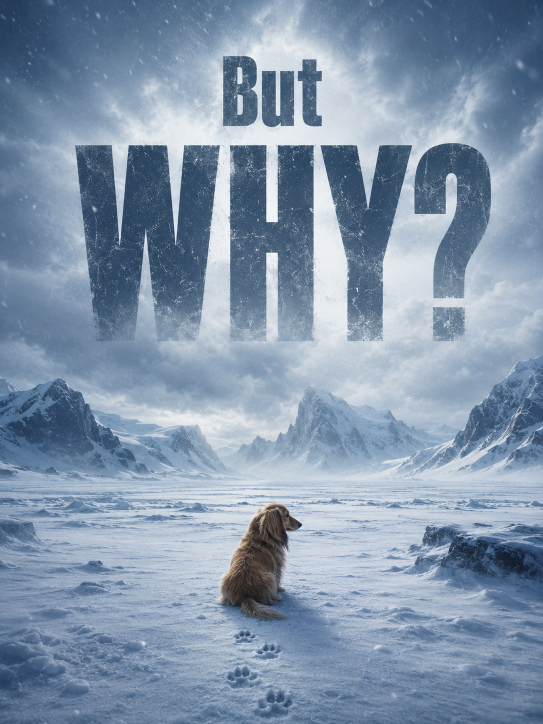
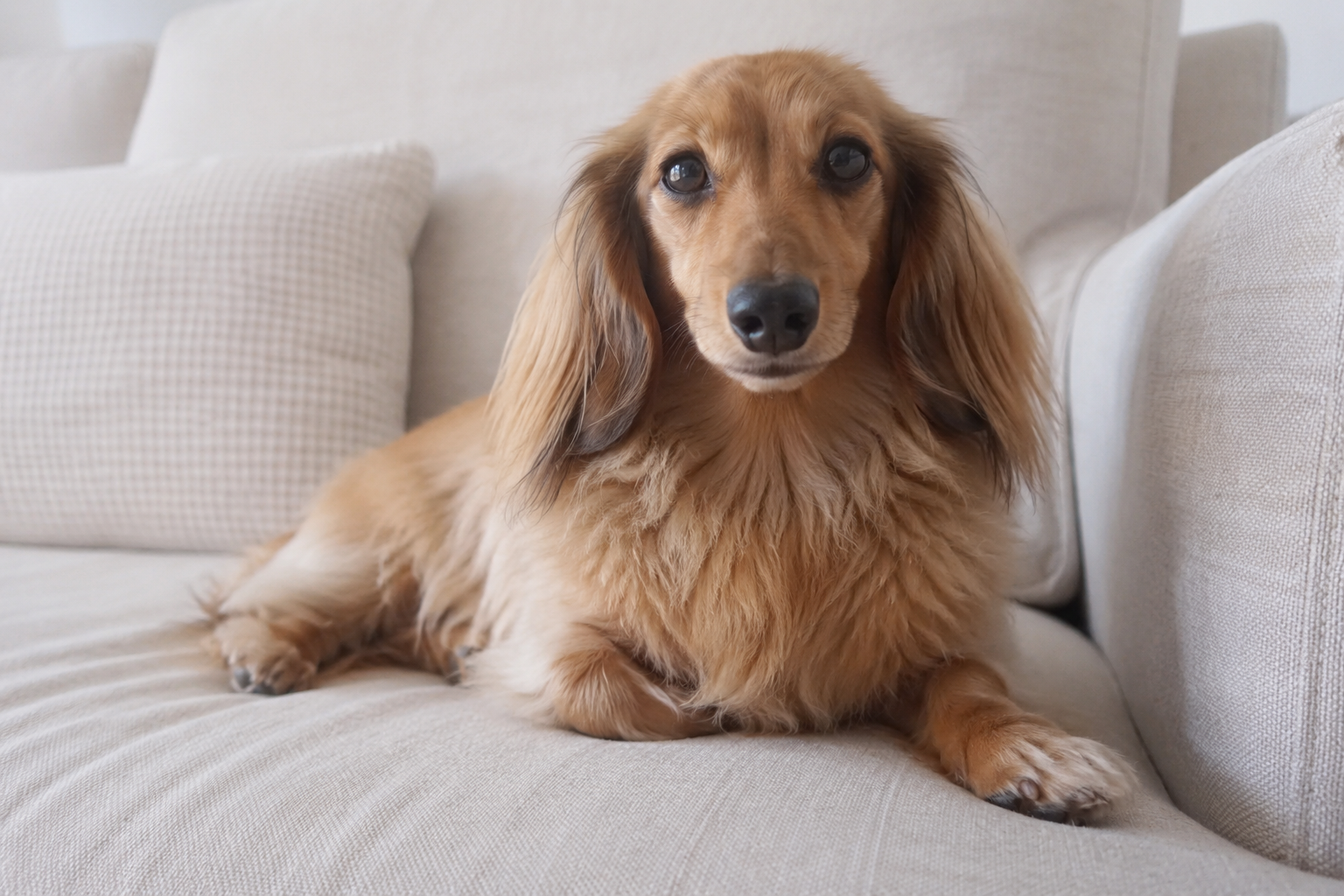
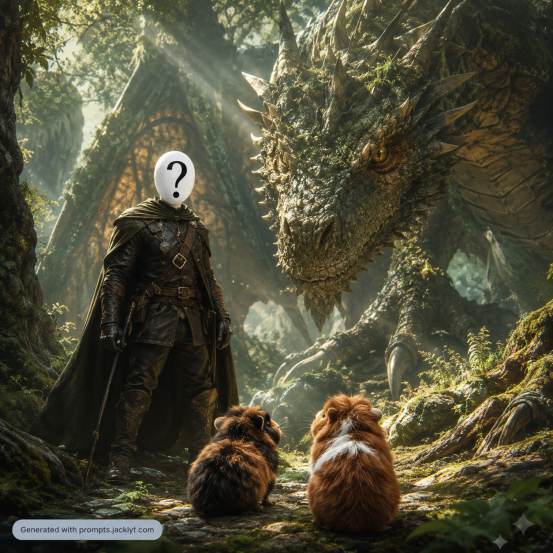
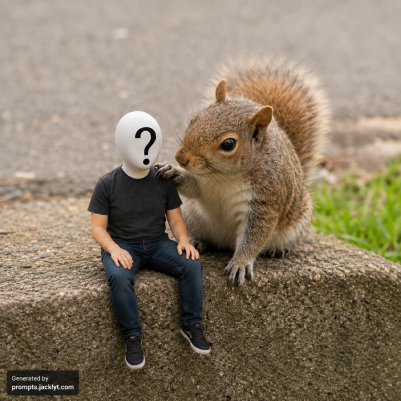
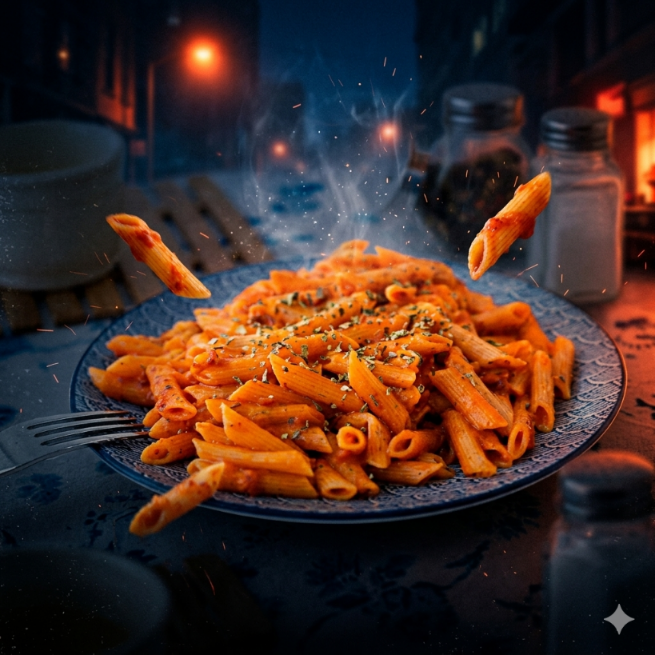
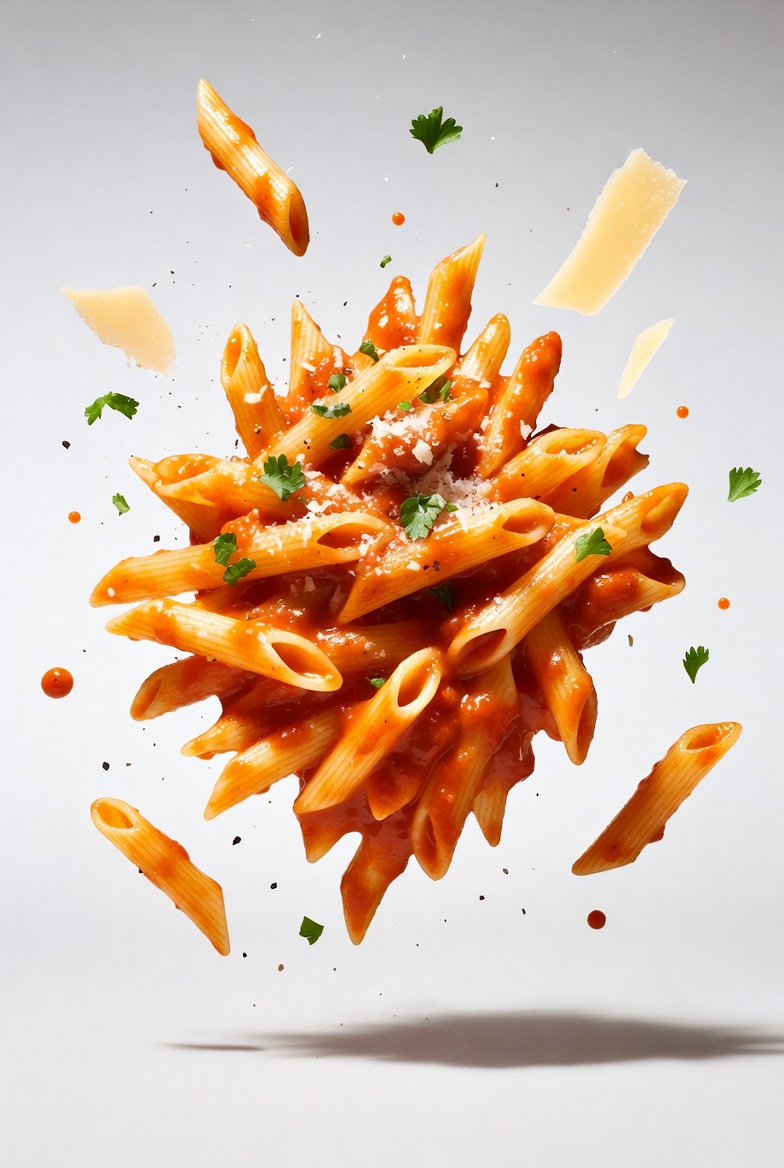
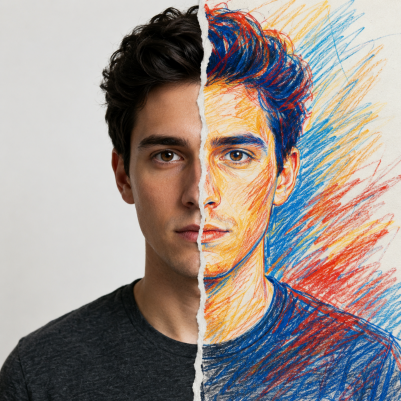
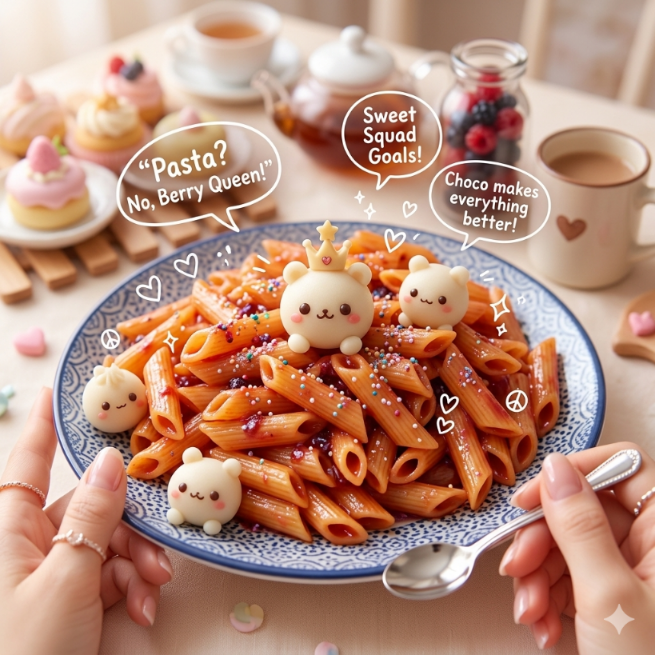
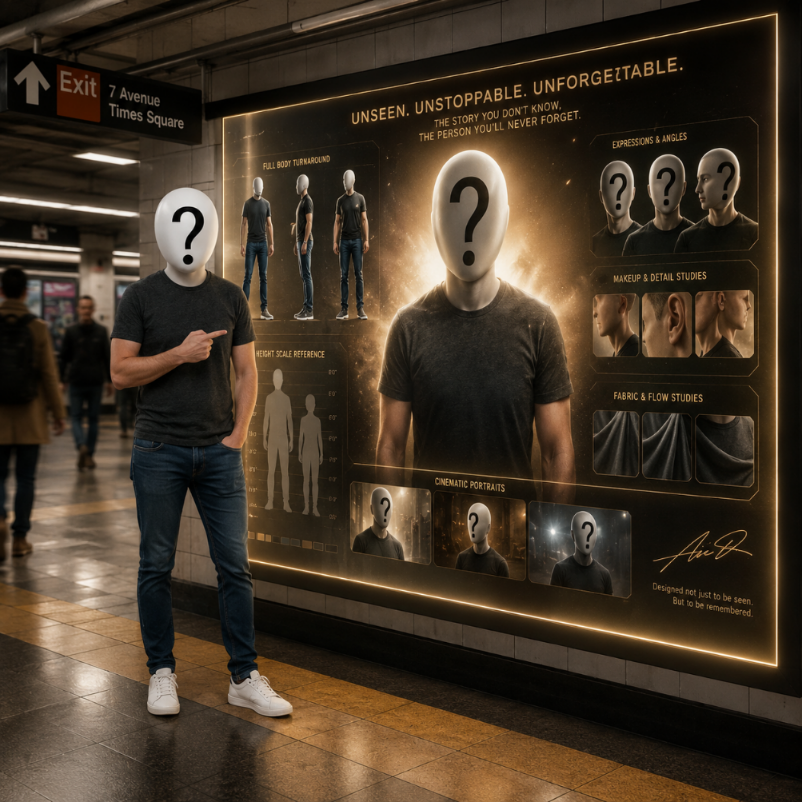
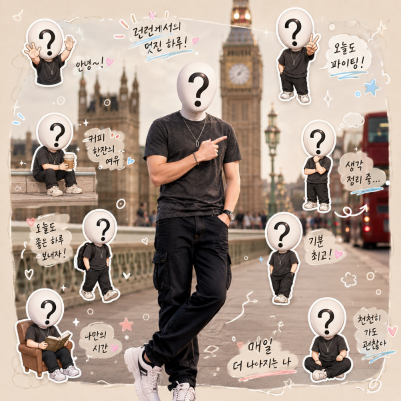
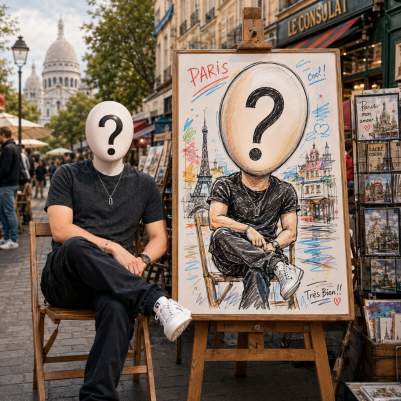
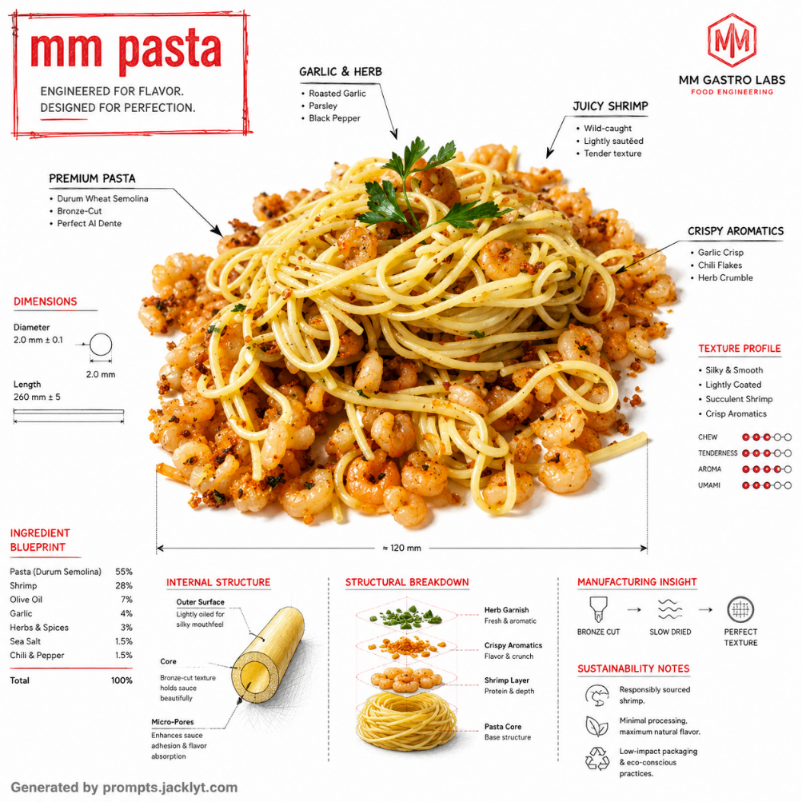
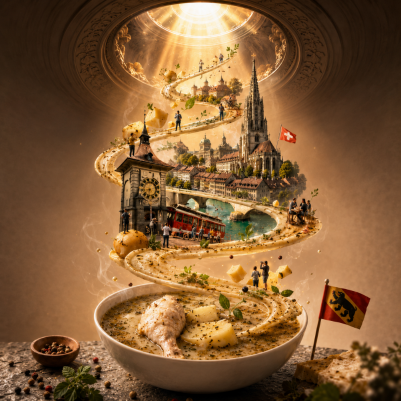
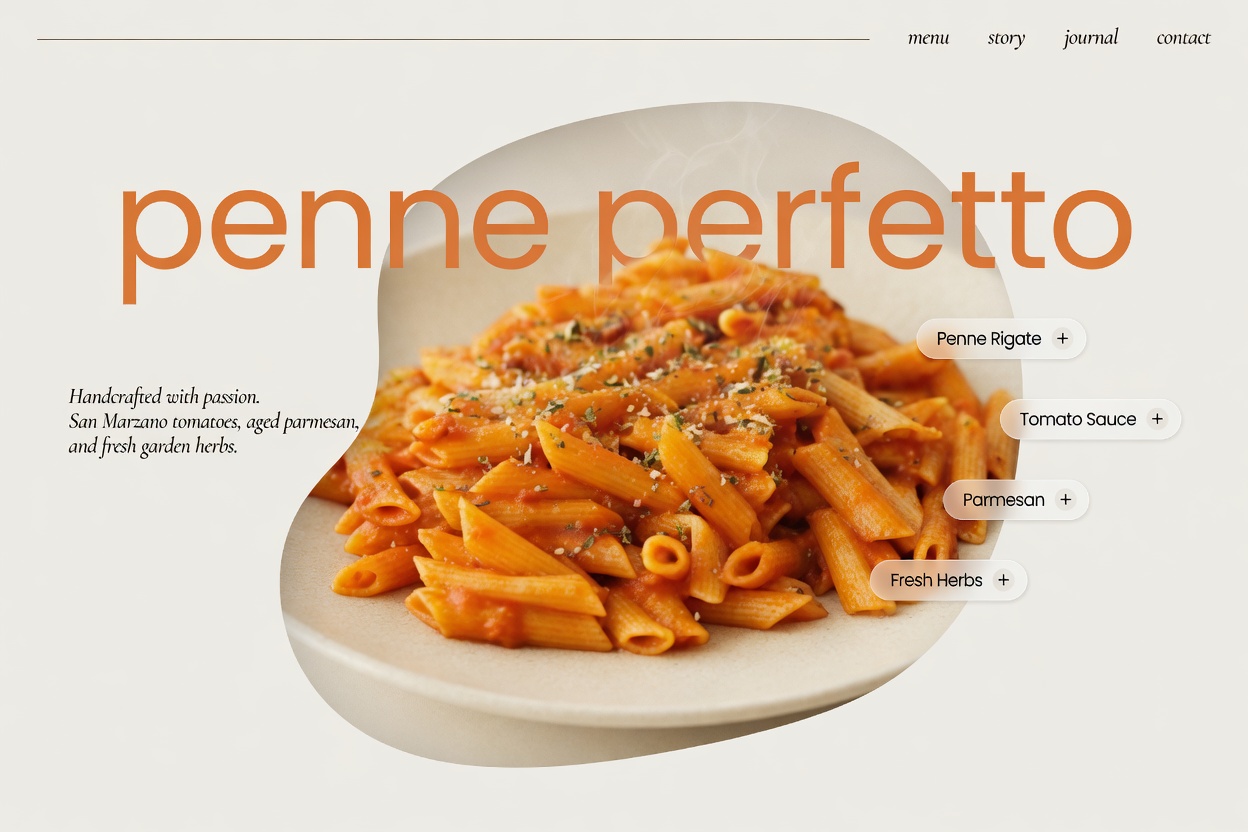
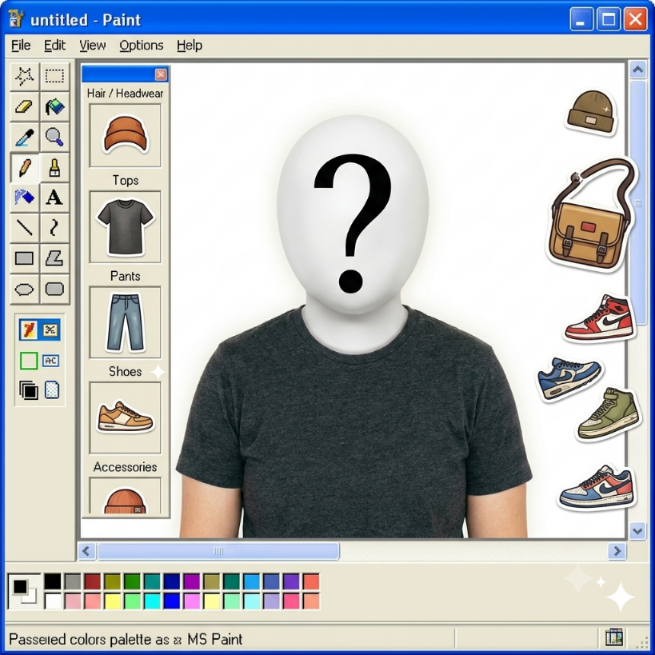
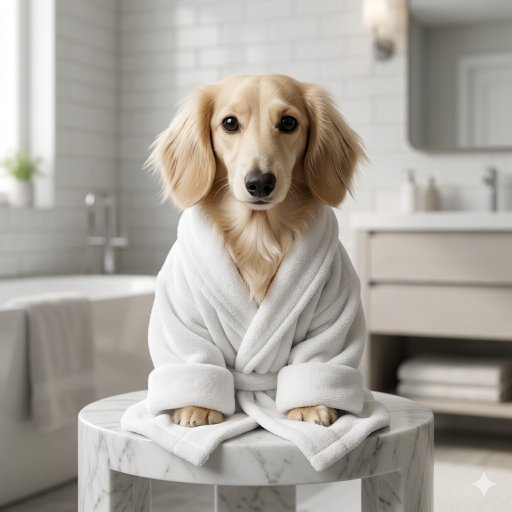
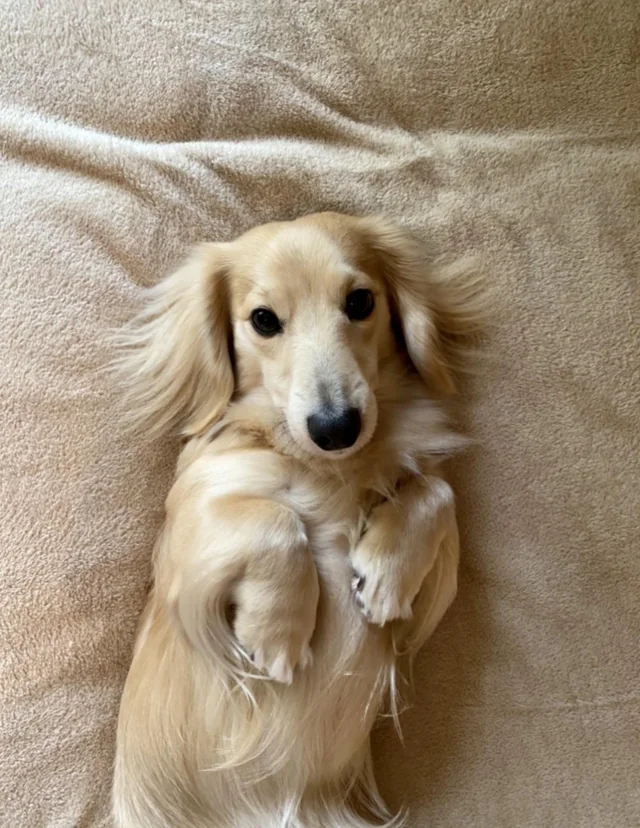
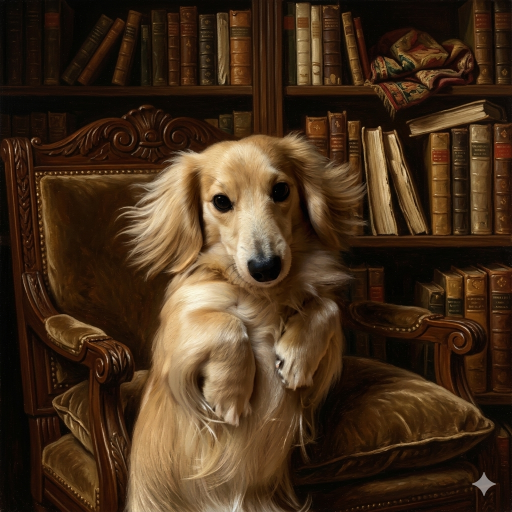
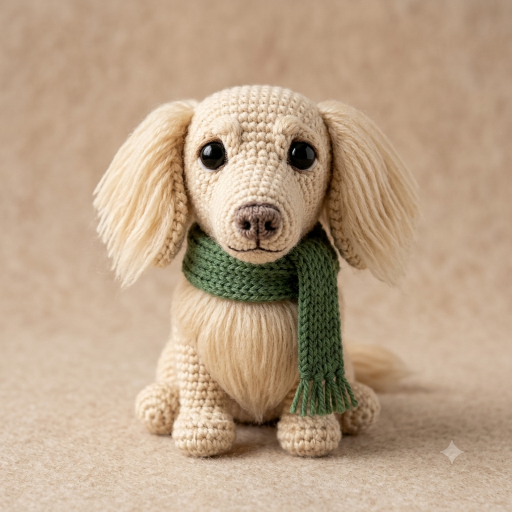
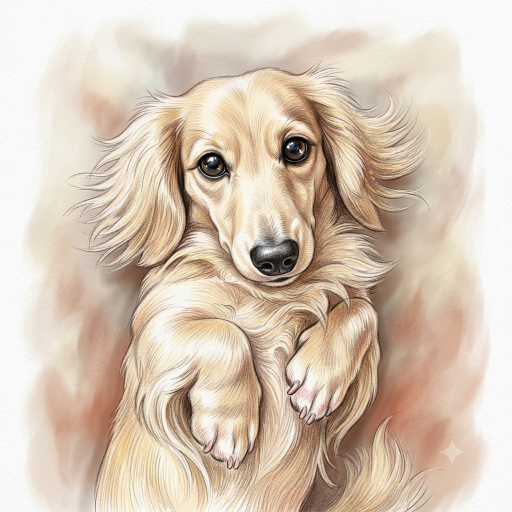
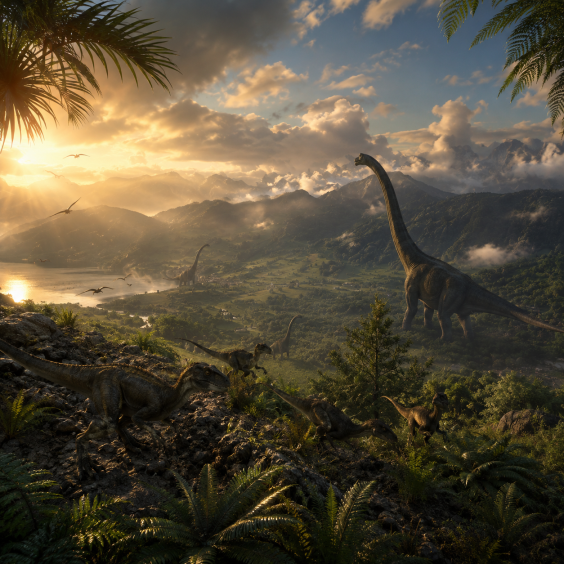
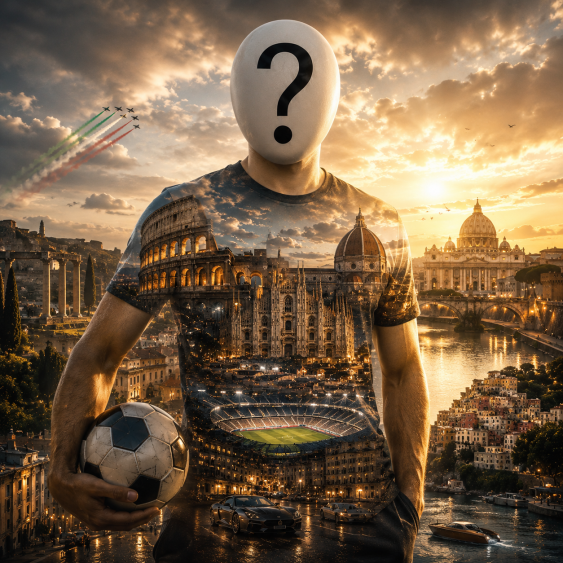
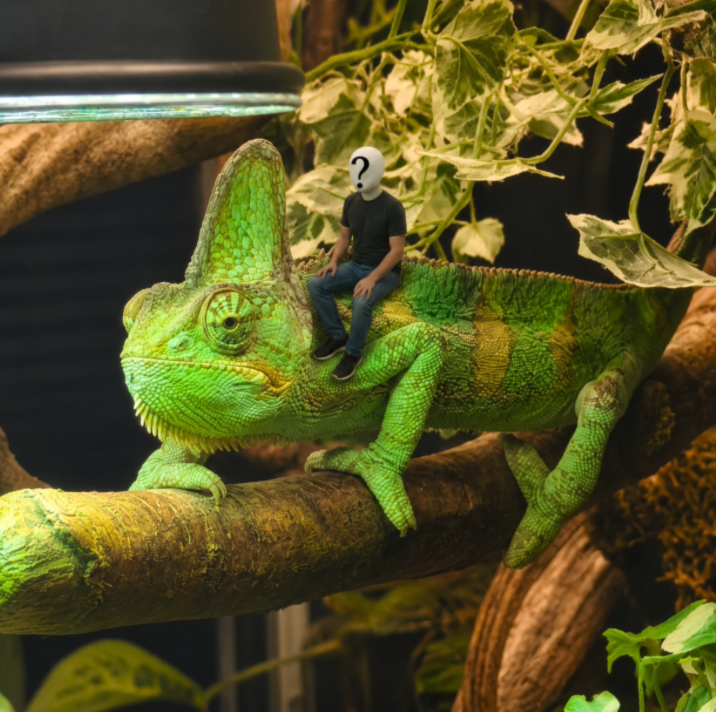
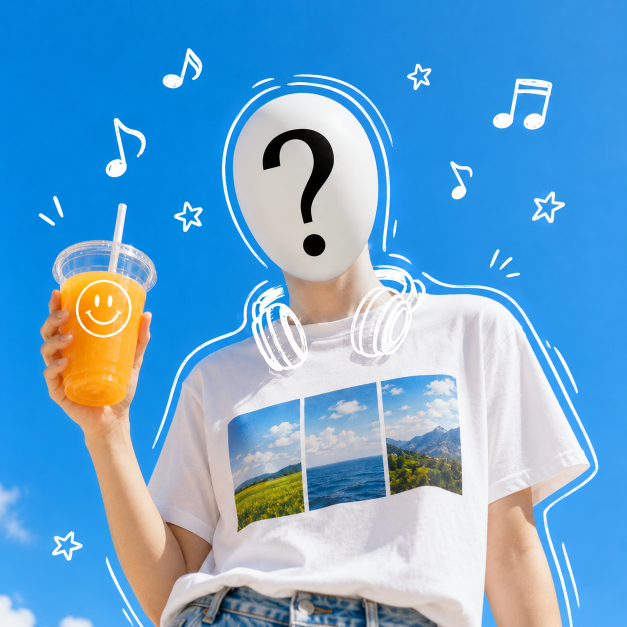
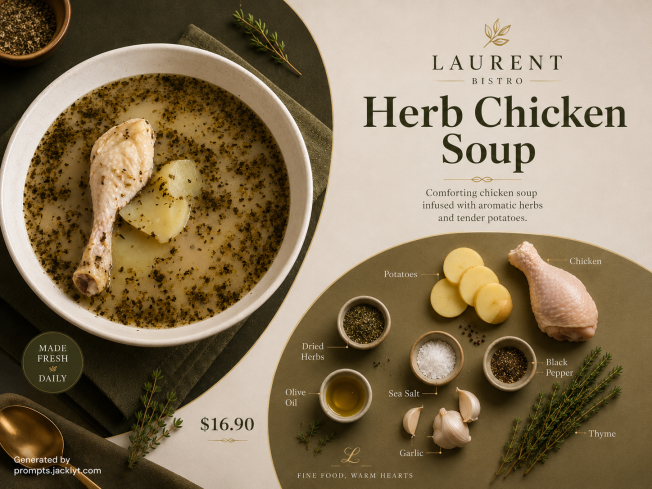
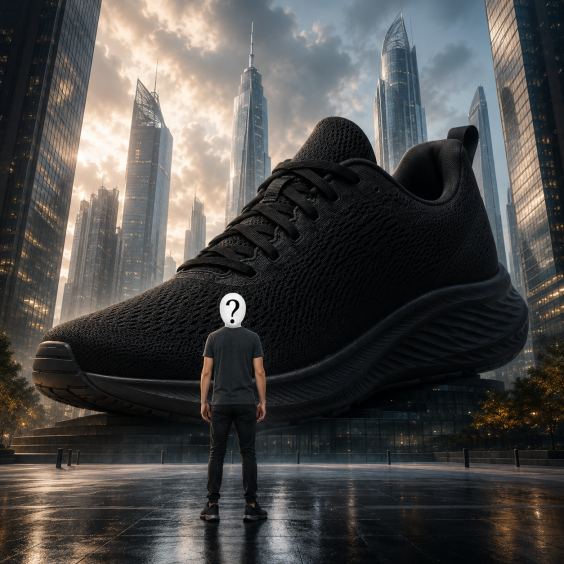
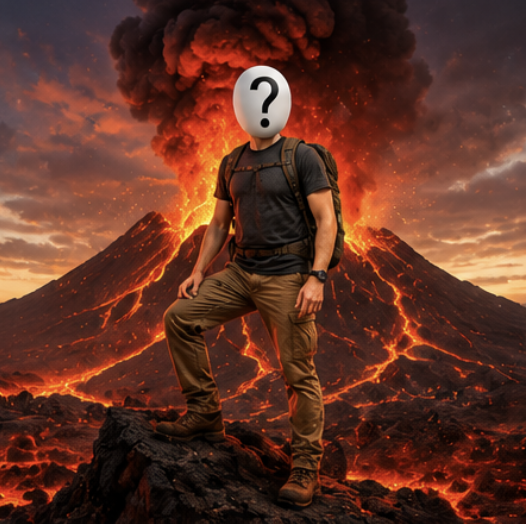
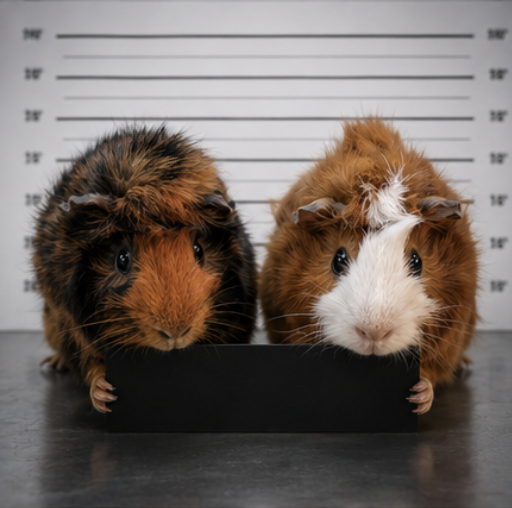
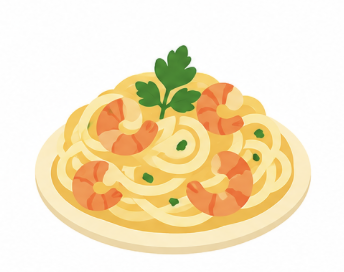
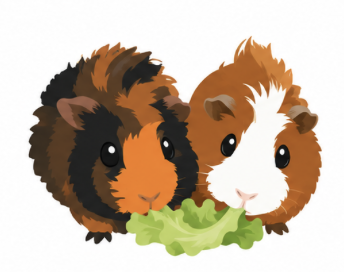

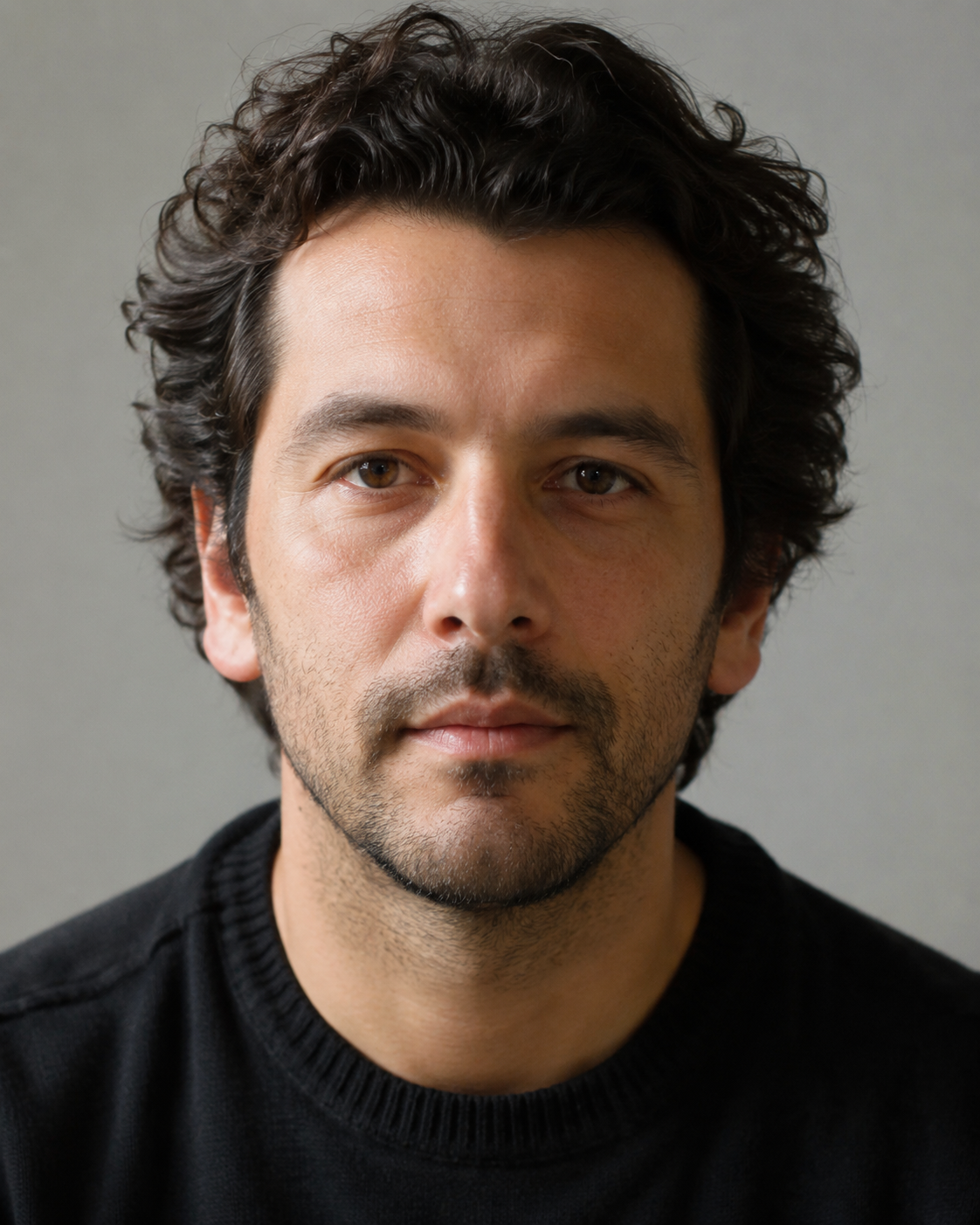
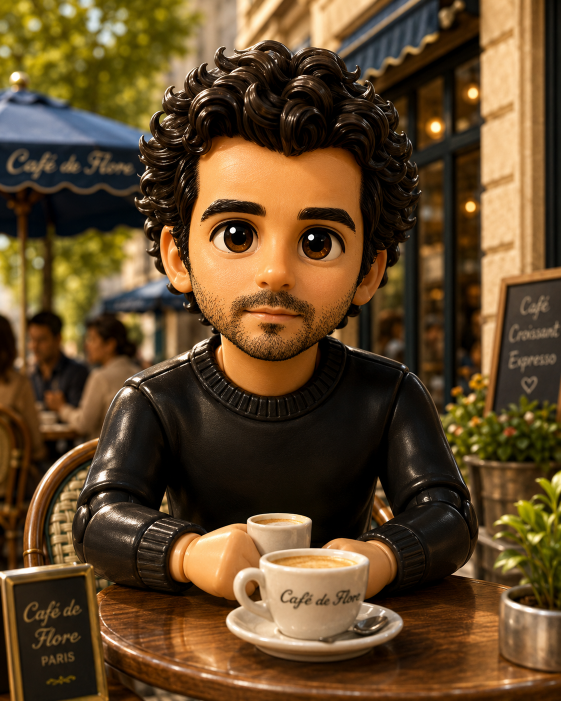
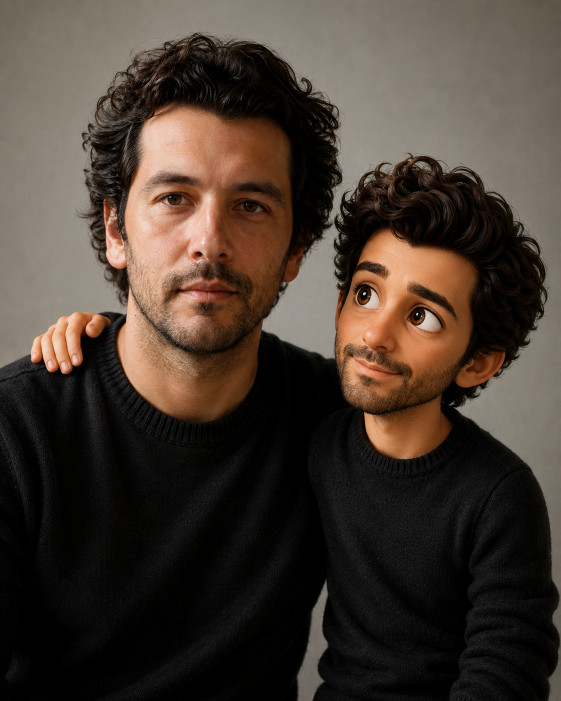
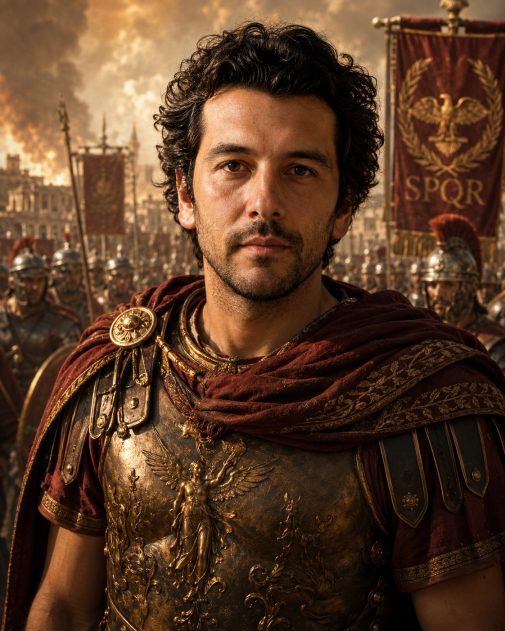
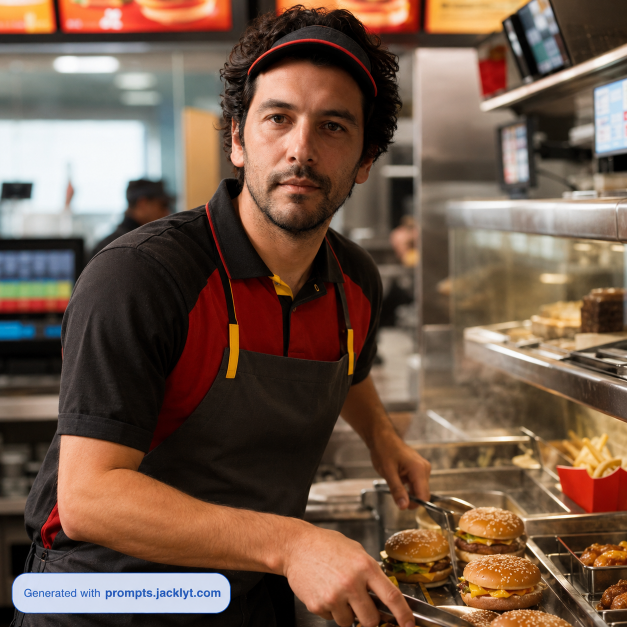
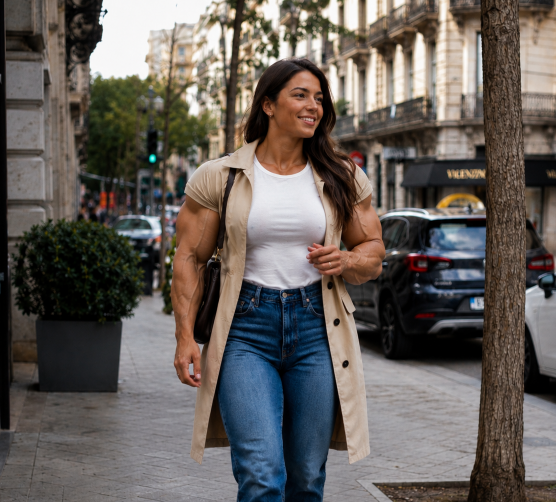
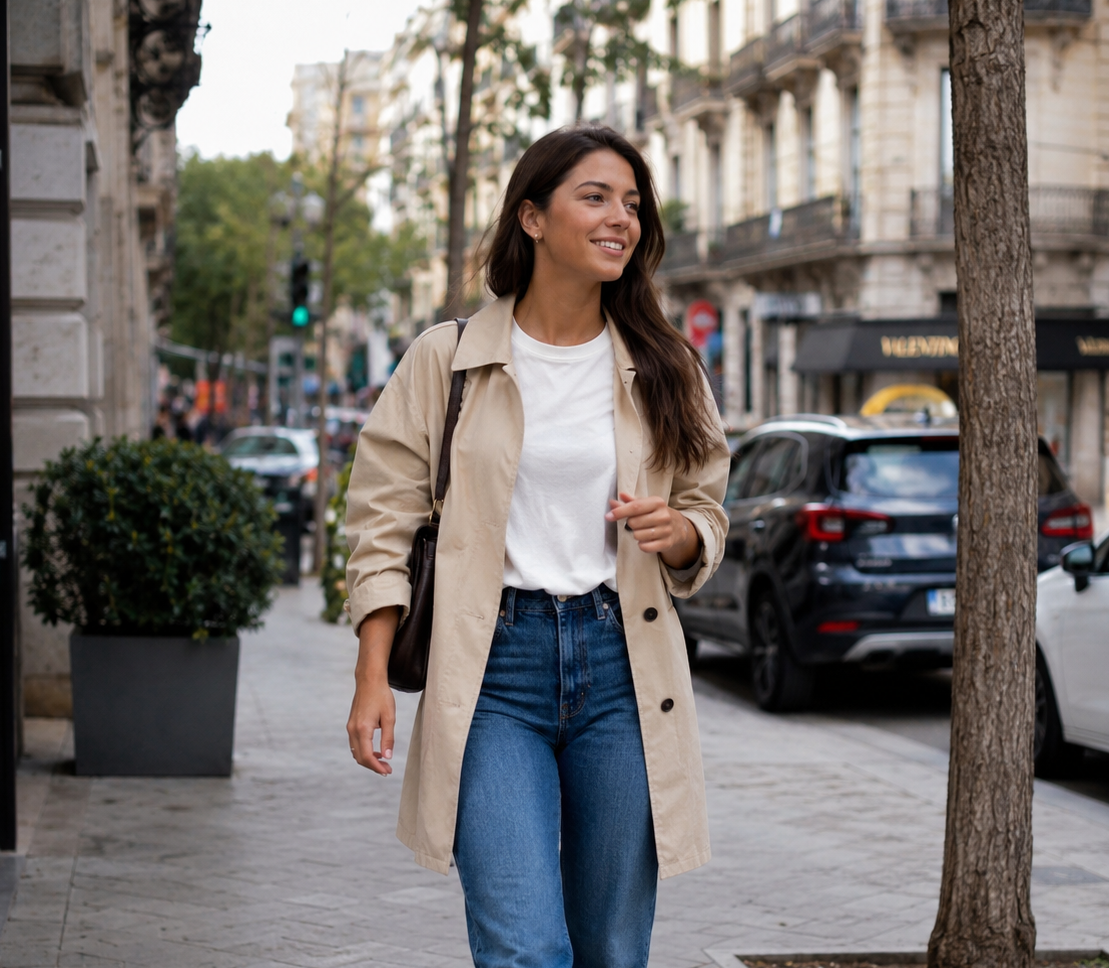
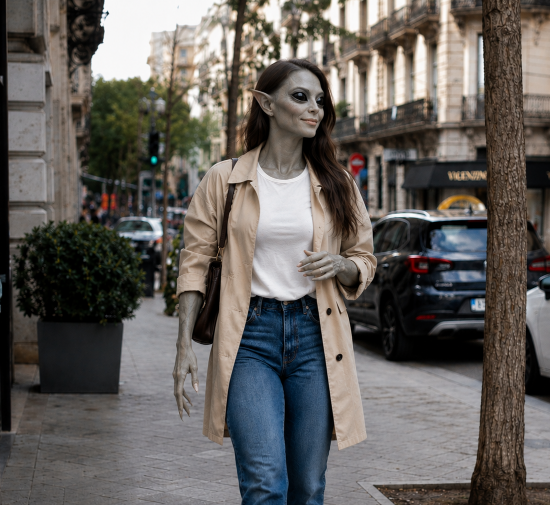
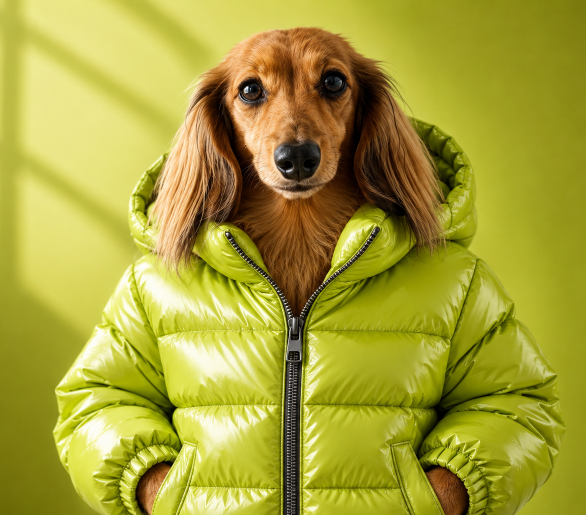
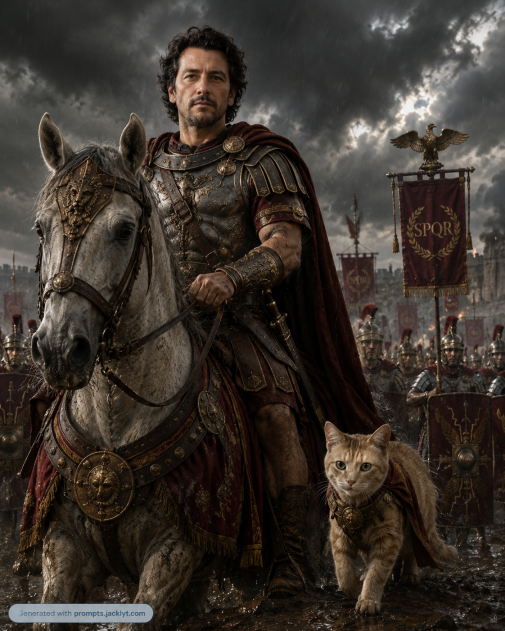
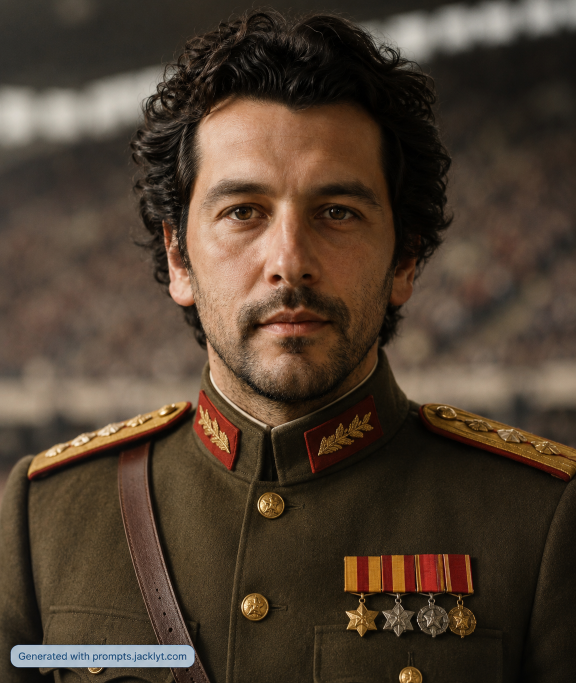
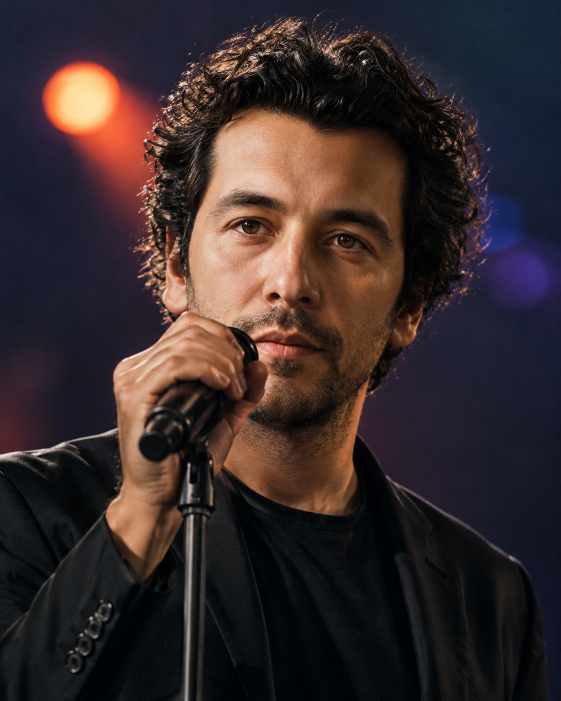
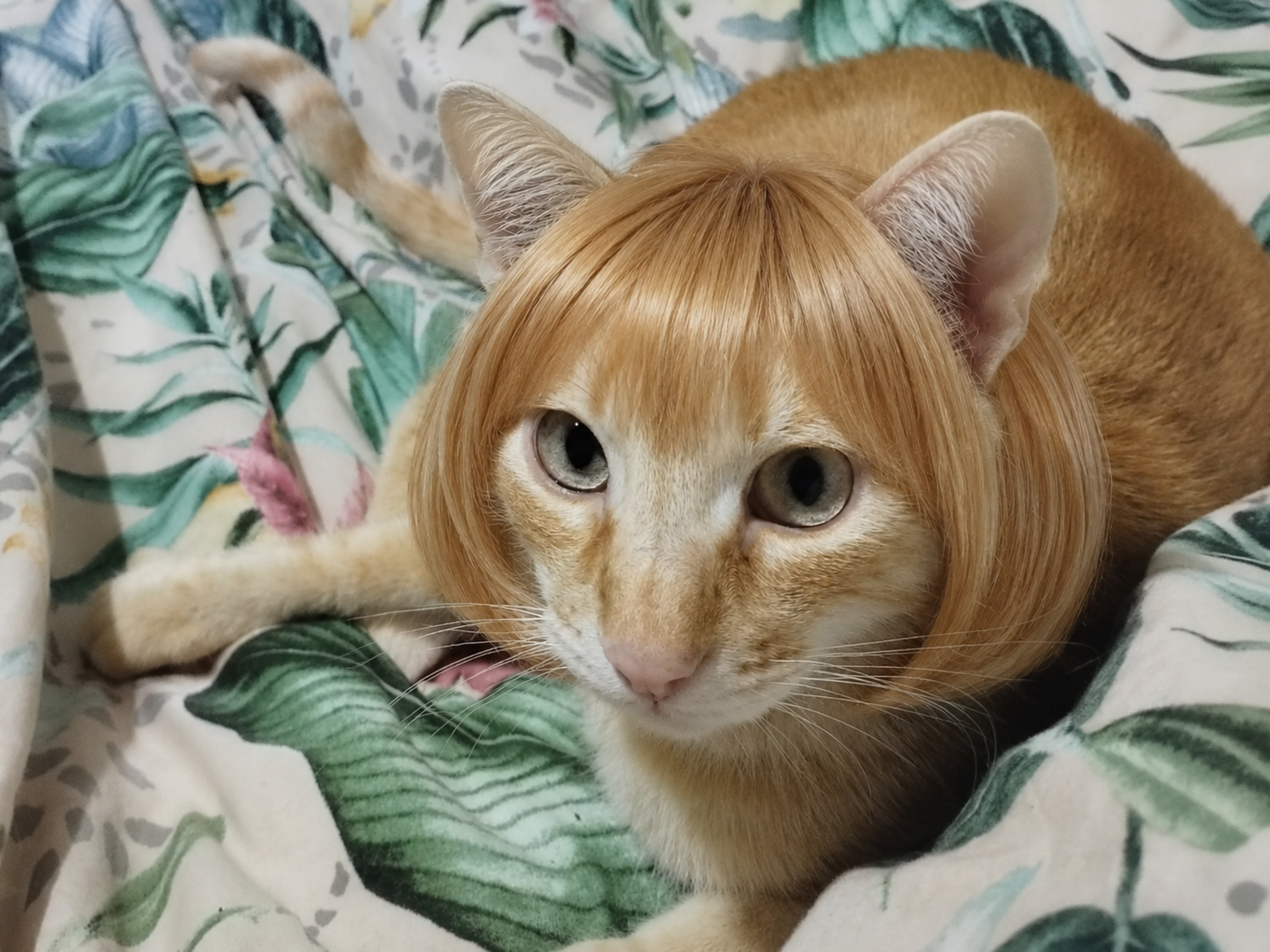
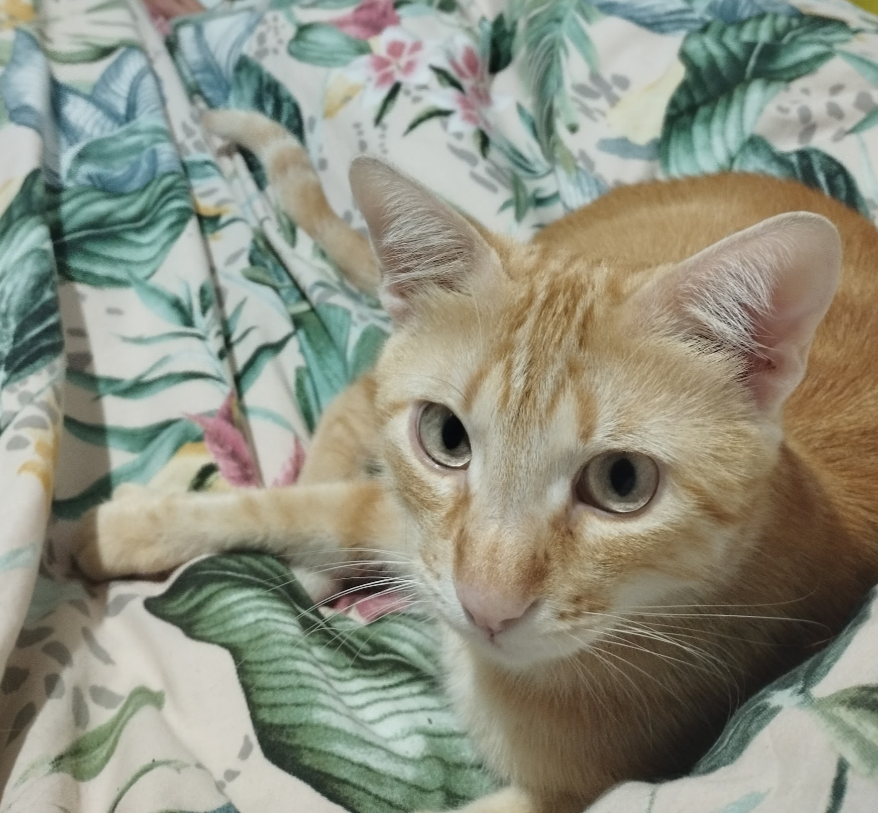
The Explore page is the main library for Jacklyt Prompts. Instead of giving you a blank text box and expecting you to invent a complete image prompt from scratch, Jacklyt starts with structured templates. Each template focuses on a specific visual result, such as turning a pet photo into a clean icon, creating a professional profile image, generating a food hero shot, designing a funny image edit or building a cinematic landscape concept.
Create polished portraits, professional CV photos, cinematic character looks and identity-preserving image transformations from a source photo.
Turn pet photos into icons, portraits, stickers or stylized images while keeping the pet recognizable instead of replacing it with a generic animal.
Build appetizing food visuals, playful meme-style transformations, surreal scenes and landscape concepts with stronger composition, lighting and negative prompts.
Choose a category such as pets, people, food, funny or landscape. This helps you find a template made for the exact type of image you want instead of adapting a generic prompt.
Each template explains what input it needs, which style options are available and what the final prompt is designed to control, from composition to background rules.
After choosing the fields, copy the generated prompt and paste it into your AI image tool. Keep the structure, negative prompt and validation rules for more consistent results.
Jacklyt templates describe the subject, style, composition, lighting, background and quality requirements separately, so the AI receives a clearer creative brief.
Reusable structure makes it easier to regenerate, compare styles and create multiple images with the same visual rules instead of starting again every time.
The builder turns complex prompting decisions into simple fields, so beginners can get useful prompts while advanced users still have detailed instructions to refine.
For image-to-image templates, choose a sharp photo with the subject visible. Clear references help the AI preserve identity, pose, colors and important details.
A pet icon prompt, a professional portrait prompt and a cinematic landscape prompt need different rules. Start with the result you want, then adjust the style.
The detailed rules are what prevent clutter, wrong backgrounds, extra text, distorted subjects and weak composition. Shortening too much often makes the result less predictable.
No. Jacklyt prompts are copy-ready text prompts. You can paste them into the AI chat or image generation tool you prefer, then adjust the result depending on how that tool interprets images and instructions.
Detailed prompts reduce ambiguity. They tell the AI what to preserve, what to avoid, how to compose the image and what makes the final result valid.
FAQ
An AI prompt is the instruction you give to an AI model. For image generation, it describes what the image should show, which style to use, what details to preserve, how the scene should be composed and what elements should be avoided.
Jacklyt provides prompt templates with customizable fields. You choose a template, select the options you want, and the site builds a detailed final prompt that you can copy into a compatible AI chat or image-generation tool.
No. The templates are designed so you can create advanced prompts by choosing simple options such as style, aspect ratio, subject type, scene direction or transformation type.
You can use the copied prompts in AI tools that support text-to-image, image editing or image-to-image generation, such as ChatGPT image generation, Gemini or other compatible creative AI platforms.
Yes. Many templates are designed for workflows that start from your own image. When a template requires an image, prepare it and upload it to the AI chat together with the copied prompt.
An image-to-image prompt uses an uploaded image as a visual reference. The prompt tells the AI what to preserve from that image, what to transform and what kind of final style or composition to create.
Use sharp images, good lighting, visible subjects and the correct template for your goal. Read the template instructions carefully and attach all required images in the same AI message.
Avoid using low-resolution images, hidden faces, very dark photos, screenshots with clutter, wrong template categories or missing reference images. Also avoid changing too many options at once when you are trying to refine a result.
You can browse and use the available prompt templates from the website. Some future features, premium templates or advanced tools may be offered separately if the platform adds paid plans.
Commercial use depends on the AI tool you use, the rights to your input images and the rules of the platform that generates the final image. Always check the terms of the AI service before using outputs commercially.
Jacklyt helps you build and copy the prompt. The final generation happens in the AI tool you choose, so you should review that tool’s privacy policy and terms before uploading personal or sensitive images.
No. Different AI models can interpret the same prompt differently. The template gives the model a clearer direction, but output quality, realism, identity preservation and style accuracy can vary between tools and versions.